
The action sends the contact data to Focus Contact Center. The data includes a name, company, email address, and telephone number. To implement this action you need to make sure whether you integrated the SALESmanago system with Focus Telecom correctly.
IMPORTANT: The action demands that a contact contains a completed telephone field.
GO TO AUTOMATION PROCESSES => AUTOMATION RULES
Choose “Add new rule”. Select an event and Action: Send a contact to Focus Telecom.
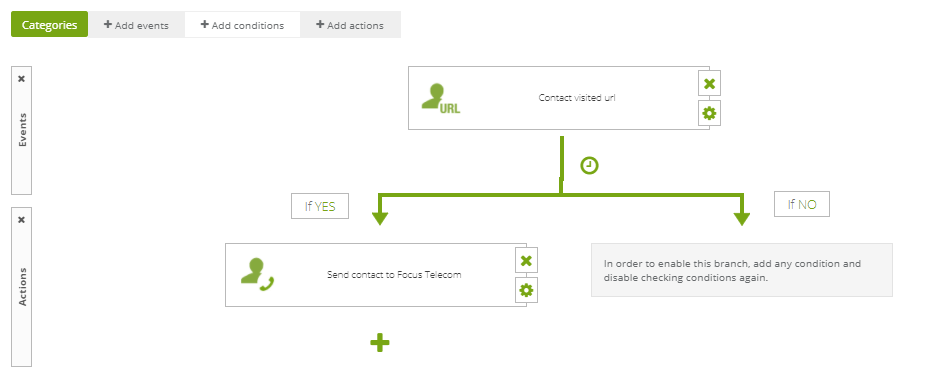
Then adjust the action settings.
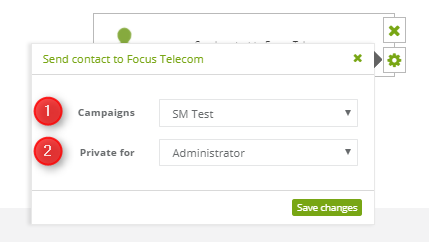
[1] Campaign – from a list of active campaigns in Focus Telecom choose the one to which data will be sent.
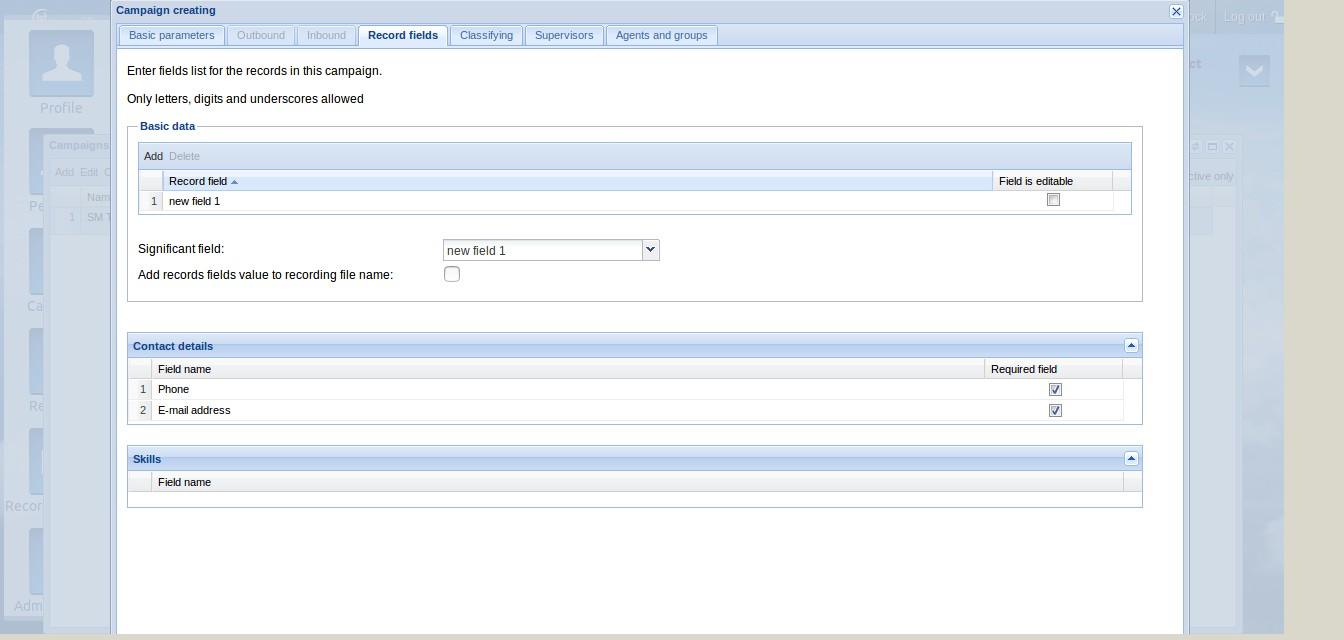
IMPORTANT: Remember to create record fields with names (Name and Surname; Name of the company) in Focus Contact Center campaign.
[2] Private for – from a list of system agents choose the one to whom contacts will be assigned.


