
By using the action Send email with last viewed products, you can reach out to customers who browsed products on your website. In these messages, you can include dynamic data from an .xml file which results in customers seeing the items they viewed during their last visit, in the content of the email.
Learn how to create a dynamic email for saving abandoned carts in the Drag&Drop creator >>
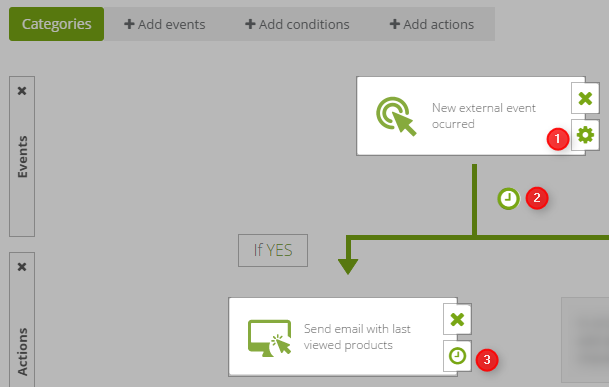
[1] Event – you can get information on whether a customer has visited your site from external events. After adding an event you can specify after what time (since each event occurrence) the rule will activate.
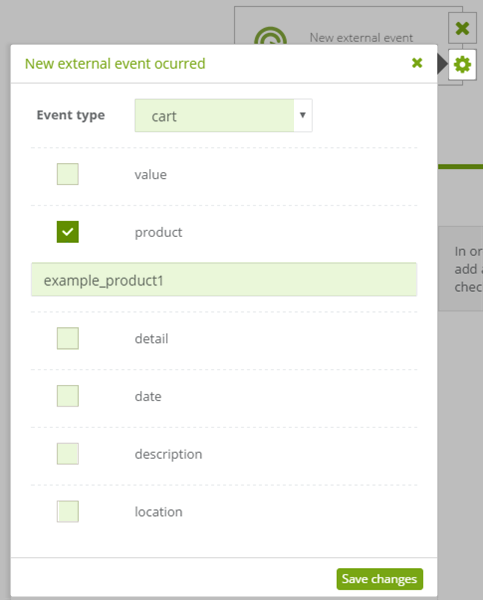
From a drop-down list, choose the visit event type. You can also specify additional criteria for this event. Then Save changes and proceed to Event settings [2].
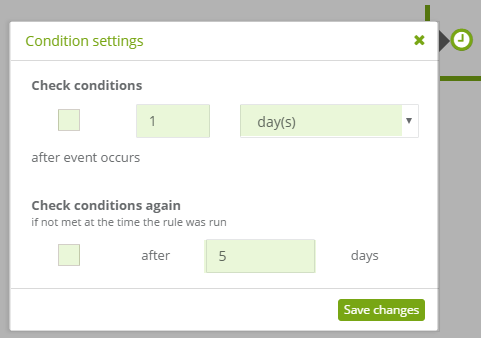
[2] Here you can set after what time (since the first activation) the system will start checking for event occurrences again. Save changes and proceed to action settings [3].
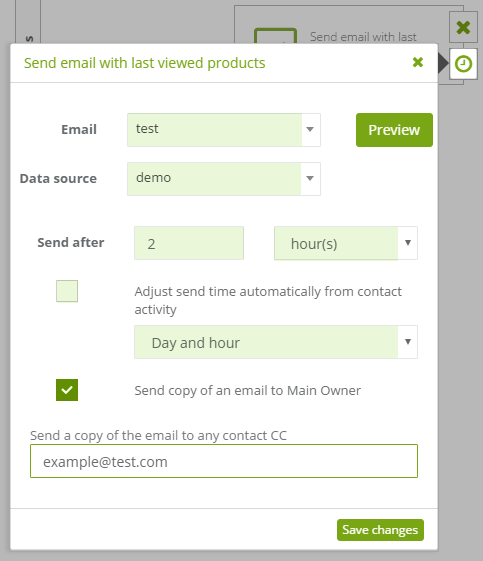
[3] From two drop-down lists, choose an email template (remember to choose a template with a Product Frame element) and a data source – an .xml file from which data is loaded into the template.
You can also set when the email will be sent, send a carbon copy to the contact’s owner or to any other email address.
Save changes and the rule.


