
Many operations performed with SALESmanago are based on tags. Mailing campaigns (regular emails as well as those generated with automation rules) can be addressed to particular contact groups.
With contact segmentation, you can send more personalized messages corresponding to the behavioral profile of a particular contact. Use: Action -> Add tags for various events (such as ‘Contact has visited a URL’, ‘External event has occurred’, ‘New contact detail’ etc.) as required.
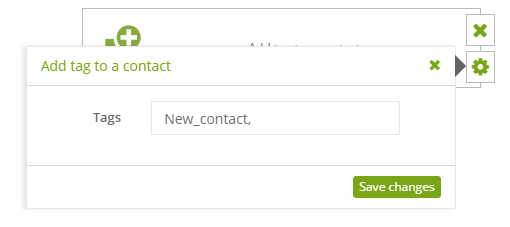
To set this action:
[1] The type of action: add tag to a contact.
[2] Tags: type a new tag.
IMPORTANT: In tags names you can not use special letters and some of special characters: ! # $ & * ” ‘
However, you can use numbers, letters and specific special characters like: – ( [ { ) ] } _ (we suggest to not use a space)
The system automatically will change not allowed characters to the underscore and special letters to the basic ones. Additionally – all tags are automatically written in capital letters. Remember, that a comma separates the phrase into different tags.


