
The SALESmanago system can be set to display system tags in the contact card. This means that for tracked contacts the system will automatically assign tags containing information on the browser and operating system the contact is using (for example windows, IOS, android).
In order to enable the automatic assignment of system tags, go to:
Settings → System settings → Application tab → Hardware info active

Below you can find an example of system tags which you can find in:
Menu → Audiences → Contacts → Contact management → Contact List → Contact Card → Details and Tags tab
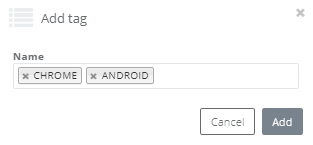
IMPORTANT: In tags names you can not use special letters and some of special characters: ! # $ & * ” ‘
However, you can use numbers, letters and specific special characters like: – ( [ { ) ] } _ (we suggest to not use a space)
The system automatically will change not allowed characters to the underscore and special letters to the basic ones. Additionally – all tags are automatically written in capital letters. Remember, that a comma separates the phrase into different tags.


