
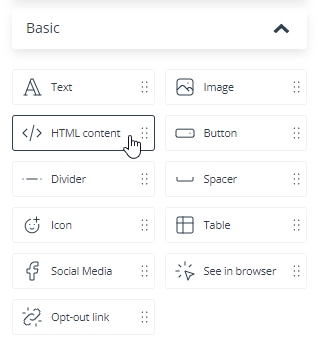
The Email Design Studio offers a wide range of widgets—elements that allow you to include different types of content in your emails. This article explains how to configure the HTML content widget.
Learn more about Email Design Studio widgets >>
HTML content
This widget allows you to add any custom HTML content to your email. Go to the widget settings and click on the placeholder code in the Content section.

An HTML editor will open. Type in or paste your code—and that’s it!
IMPORTANT: Some email clients may not support certain HTML tags. Test your email on different email clients, different browsers, and different devices to make sure the widget always works correctly. Pay special attention to Outlook, as this email client is particularly troublesome.
Read about common widget settings (positioning, links, text editing, and display settings) >>


