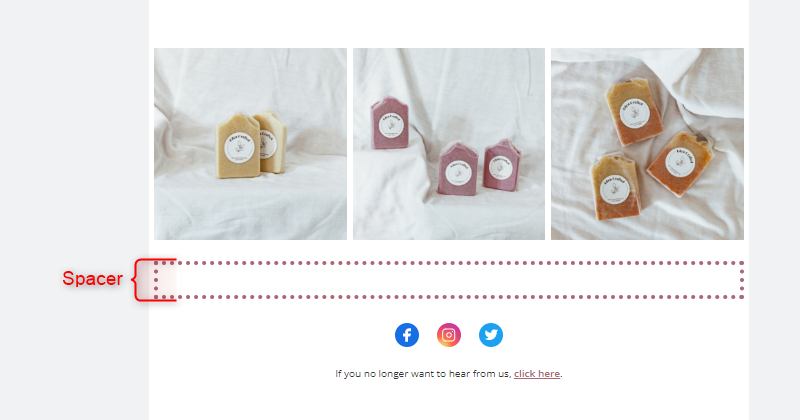
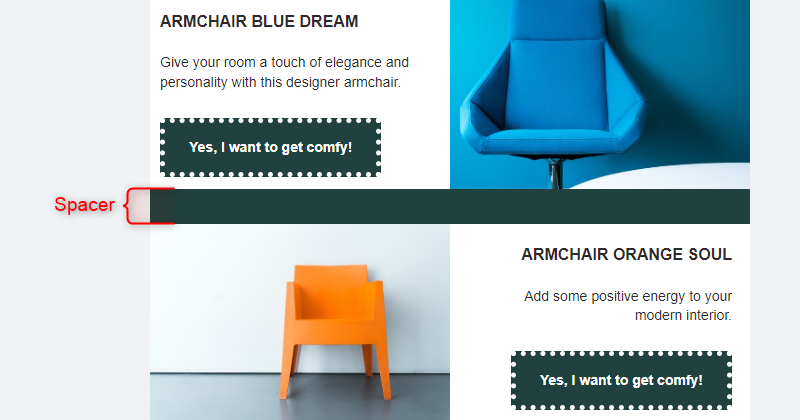
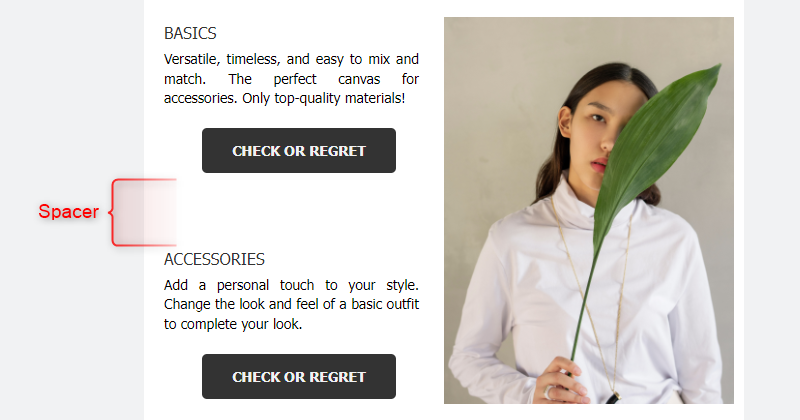
The Email Design Studio offers a wide range of widgets—elements that allow you to include different types of content in your email. This article explains how to configure the Spacer widget.
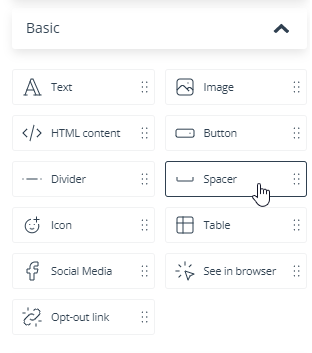
Learn more about Email Design Studio widgets >>
Spacer
The Spacer provides empty space between widgets. You can define its height and color and add a stroke.
The Spacer fills the entire width of the column in which it is placed.
Note that the Spacer, just like any other widget, must be placed inside a section. To divide two sections, insert another section between them (and leave the middle section empty or put a Spacer in it).
TIP: If you want to have more space between two widgets on desktop view than on mobile view, you can add two adjacent Spacers and select not to display one of them on mobile devices.
EXAMPLES: