
This Action allows you to automatically add or change a standard detail on a Contact Card.
You can find all standard details of a Contact on the Contact Card, under the Details and Tags tab.
After adding this Action to your Workflow, define the following settings:
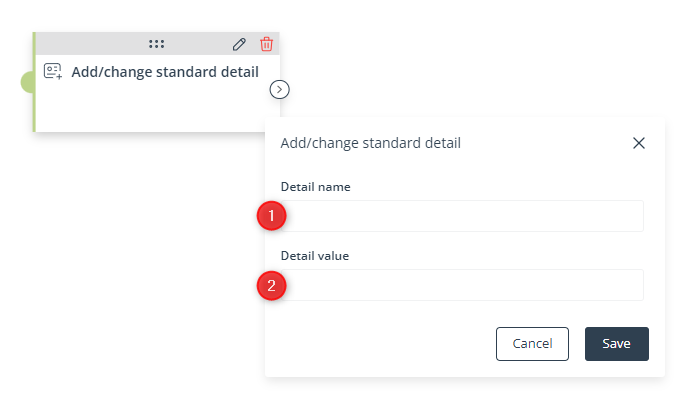
[1] Detail name—Enter the name (key) of a new or existing standard detail.
If a Contact that has reached this stage of the Workflow does not have a standard detail with this name (key), the standard detail entered in this field will be added to their Contact Card with the value specified in point [2].
If a Contact that has reached this stage of the Workflow already has a standard detail with this name (key), the detail’s value will be updated with the value specified in point [2].
[2] Detail value—Specify the value with which the standard detail will be added or updated for Contacts that have reached this stage of the Workflow.
Click Save to continue configuring your Workflow.


