
This Action allows you to automatically add one or more tags to Contacts that have reached this stage of your Workflow.
Tags play a crucial role in Contact segmentation, allowing you to effectively manage your Contacts and target precisely defined audiences.
Read more about assigning and using tags >>
After adding this Action to your Workflow, define the following settings:
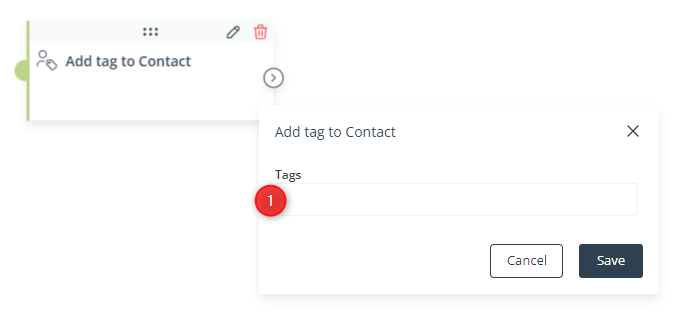
[1] Tags—Enter one or more tags that will be assigned to Contacts that have reached this stage of the Workflow.
You can enter both new and existing tags. After entering the name of a tag, confirm it by pressing Enter or select the tag from the list that will appear.
IMPORTANT: Remember that in the SALESmanago system, tags must consist of at least 3 characters. Use the “_” character (and not the space) as the separator, e.g., SUMMER_COLLECTION.
Click Save to continue configuring your Workflow.


