
This Action allows you to automatically assign a random owner from a selected user group to Contacts that have reached this stage of your Workflow.
A user group can be created in Menu → Settings → System settings → Groups tab → + Users Groups.
After adding this Action to your Workflow, define the following settings:
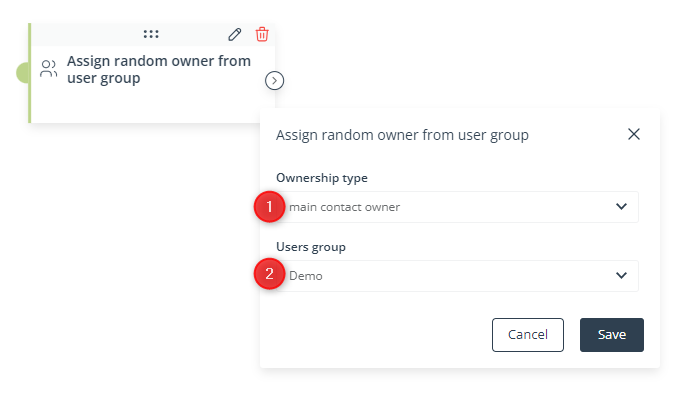
[1] Ownership type—Specify whether randomly selected users from the user group selected in point [2] should become the main owners or co-owners of Contacts that have reached this stage of your Workflow.
[2] Users group—Select a user group from which the system will randomly select main owners or co-owners that will be assigned to Contacts that have reached this stage of your Workflow.
Click Save to continue configuring your Workflow.


