
This Action allows you to automatically transfer Contact data to Zapier.
For this Action to work, first you need to integrate your Zapier account with SALESmanago.
Read about the SALESmanago integration with Zapier >>
The following Contact data is sent to Zapier through this Action:
- name,
- company,
- email,
- fax,
- phone,
- address: Street, City, ZIP Code, Country,
- birthday,
- tags (separated by commas),
- Email Marketing status,
- Mobile Marketing status,
- main owner’s email address.
TIP: Consider connecting this Action with the Event: Contact added to system. This way each new Contact in your SALESmanago database will also appear in your Zapier database.
After adding this Action to your Workflow, define the following settings:
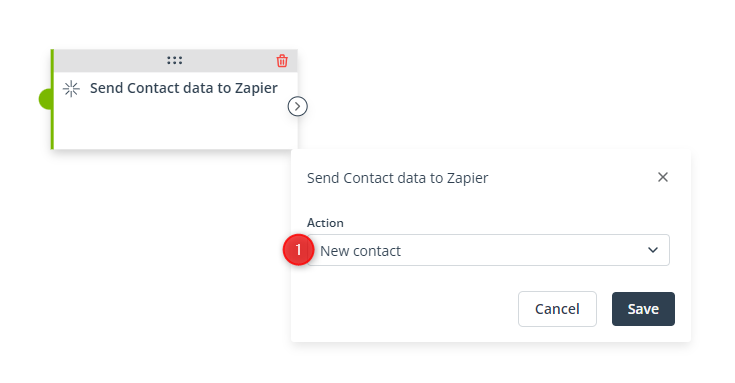
[1] Action—Select New Contact to add a new Contact to Zapier through this Action.
Click Save to continue configuring your Workflow.


