
This Action allows you to increase or decrease the scoring of Contacts that have reached this stage of your Workflow by a specified number of points.
TIP: If you want to set the scoring of Contacts that have reached this stage of your Workflow to one, specific value (irrespective of the current scoring value), use the Action: Set Contact scoring >>.
After adding this Action to your Workflow, define the following settings:
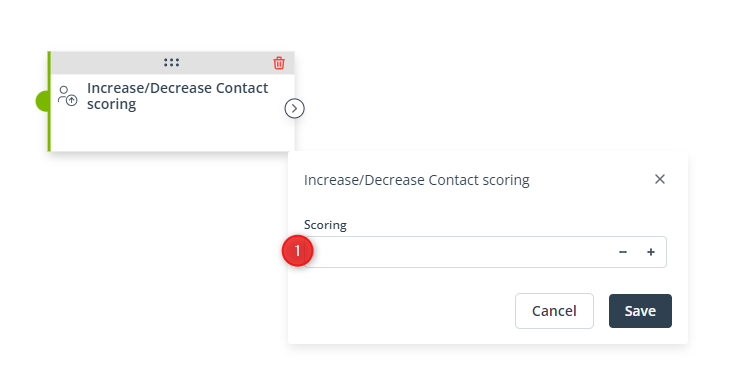
[1] Scoring—Specify how many scoring points will be added to or removed from Contacts that have reached this stage of the Workflow. If you want to decrease Contact scoring through this Action, enter a negative number, e.g., -2.
Click Save to continue configuring your Workflow.


